


Trailback
Search and replay your computer's history: find files, web pages, screenshots and copied text by describing them.
About Trailback
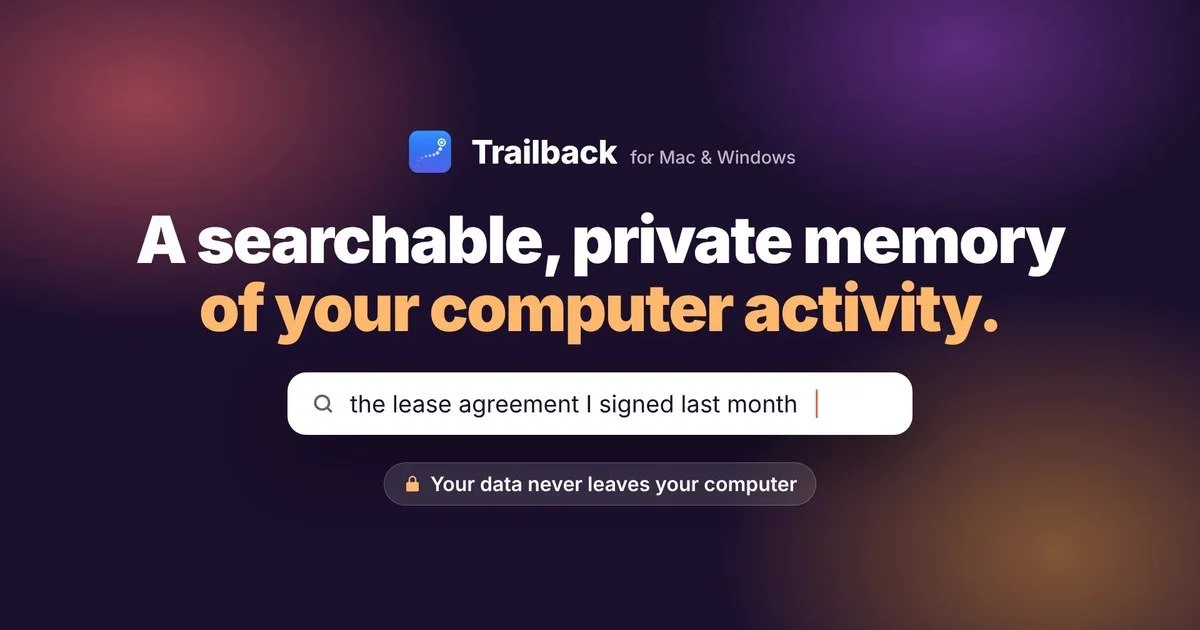
Trailback keeps a searchable history of what you have seen and done on your computer. You can find a file, web page, screenshot or copied text by describing what was in it, including words inside screenshots, PDFs and documents. It also keeps web pages you visited after you clear browser history, records where downloads came from, and lets you pick a moment and see what you had open then.
Trailback works fully offline on Mac and Windows, and your data stays on your computer. Passwords, card numbers and your Private folder are always hidden. You can also connect Claude, Codex or Cursor so an AI app can search your history or write a daily work journal, and you choose which kinds of data it can see.
It is a one-time purchase, aimed at people who regularly lose track of files, pages or things they copied and want to find them again.
Problems Trailback fixes
- Can't find a file I downloaded
- Lost a web page after clearing browser history
- Can't find a screenshot or the text in it
- Can't remember what I was working on at a certain time
- Copied text was replaced by the next copy
- Can't find a file by its name and need to search by its contents

